Scalping on mobile means opening and closing short duration trades to capture small price movements through a phone or tablet. It is possible to place these trades on a mobile app, but placing an order and executing a repeatable strategy are different jobs. Small profit targets leave little room for slow decisions, awkward order entry or unexpected costs.
The practical question is whether your complete workflow can keep pace with the setup: reading the market, submitting the correct order, confirming the fill and managing the exit. Within day trading on mobile, scalping deserves a stricter execution standard because a modest delay can invalidate the reason for entering.
Which Scalping Approaches Fit a Phone?
Assess the strategy before assessing the device. A planned entry around a known price level, with position size and exit instructions prepared beforehand, makes a more reasonable candidate for mobile execution than a method requiring constant order changes across several instruments.
Use a simple test: can you describe the trade, its invalidation point and the maximum acceptable entry price before opening the order ticket? If those decisions must all happen during a fleeting price move, the workflow leaves little room for checking mistakes.
Do not treat mobile scalping as an alternative to professional automated trading. This article concerns discretionary trades entered through a retail app, not systems competing for tiny timing advantages. A faster thumb is not a substitute for a tested trading process.
Execution Speed Is More Than Connection Speed
For stock orders, the route from your screen to execution includes your internet connection, the broker and the market receiving the order. The displayed price may change before execution, and the available quantity at that price matters too. These distinctions are covered in the SEC’s explanation of how stock orders reach execution.
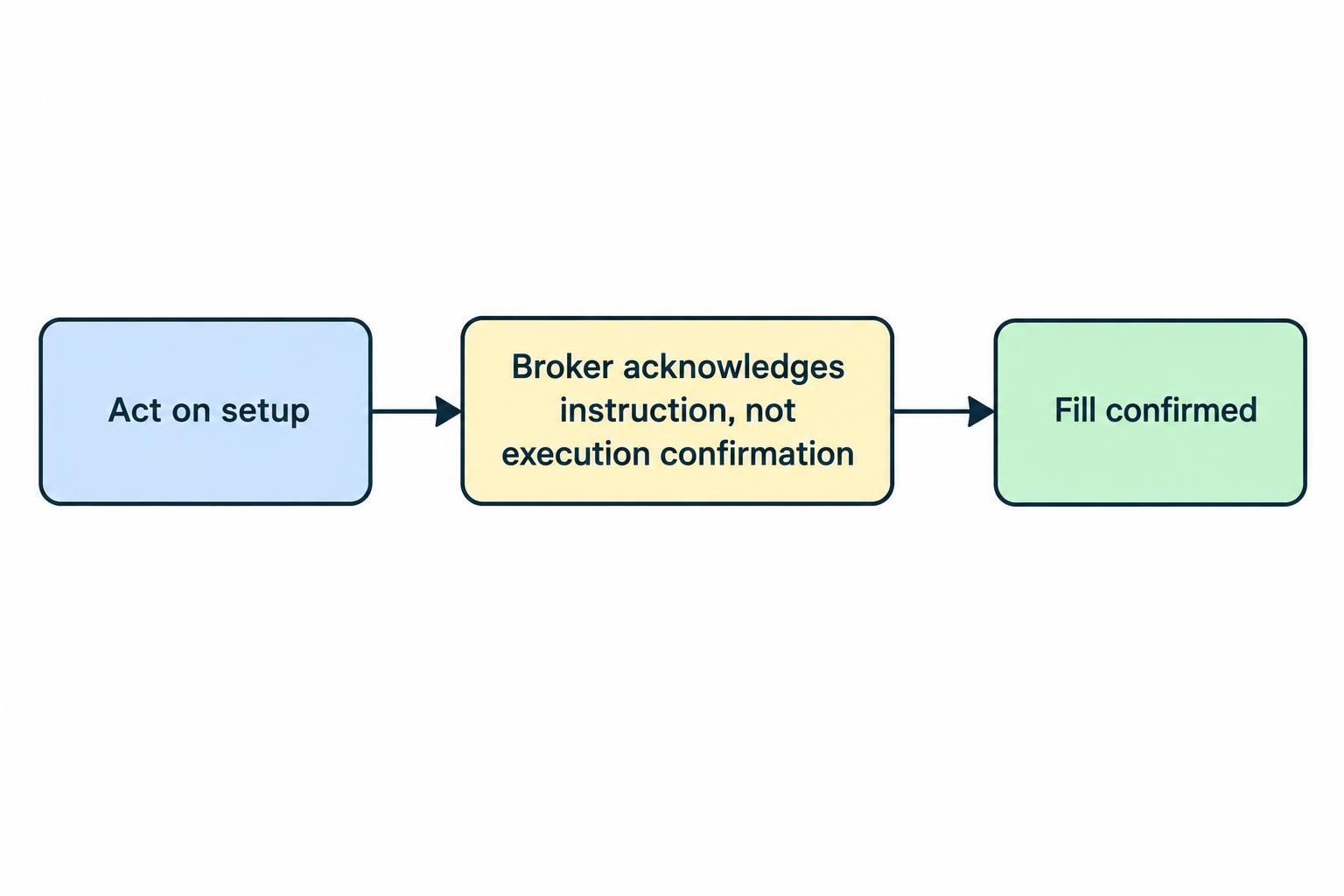
Evaluate three intervals separately: the time needed to act on a setup, the time until the broker acknowledges the instruction, and the time until a fill is confirmed. An acknowledgement tells you something different from an execution report. Neither should be inferred from a button changing colour.
There is no useful universal internet speed threshold for mobile scalping. Instead, test the complete workflow in the location and session you intend to use. Record unexplained pauses, reconnects and inconsistent acknowledgements. A connection that feels fast while browsing is not evidence that your trading process is dependable.
Calculate the Cost Hurdle Before Trading
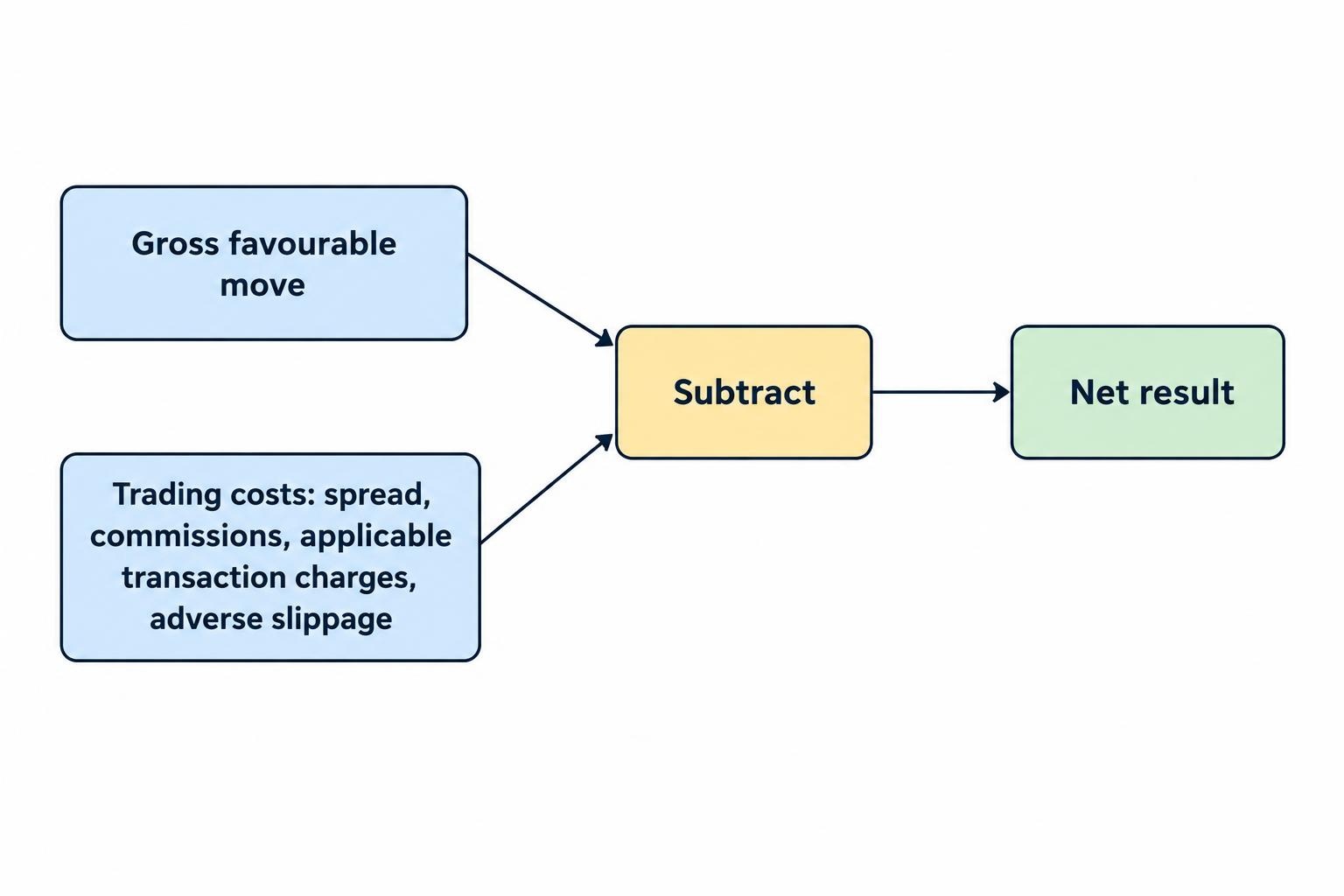
A small target needs a realistic cost allowance. Include the spread, commissions, applicable transaction charges and adverse slippage. “Commission free” does not mean that the entry and exit occur at the same price.
Consider a hypothetical forex trade where one pip is worth $1. Assume a three pip favourable move measured between comparable reference prices, a spread cost of 0.8 pips, round trip commission of $0.40 and total adverse slippage of 0.4 pips. The combined cost is $1.60, leaving $1.40 from the $3 move. These are illustrative assumptions, not quoted market conditions.
For a simplified strategy with an average gross winner of $3, an average gross loser of $3 and costs of $1.60 on every completed trade, the break even win rate is about 76.7%. The calculation is ($3 + $1.60) ÷ ($3 + $3). Changing any assumption changes the result.
Keep the accounting consistent. If you calculate profit from actual entry and exit fills, spread and slippage are already reflected in those prices; do not subtract them again. Use the mobile trading fees and costs guide to separate execution costs from account charges.
What the App Must Let You Do
Judge an app by the actions your strategy requires, not by how impressive its chart looks. Before risking money, confirm that you can complete the following tasks without searching through menus:
- Identify the instrument: Check the exact symbol, contract or product before submitting an order.
- Verify the quote: Establish whether the relevant prices are live, delayed or indicative, and which price the chart displays.
- Control quantity: Read the units clearly and check any saved size before each trade.
- Manage orders: Find working instructions, filled quantity and remaining quantity in one predictable place.
- Exit deliberately: Distinguish closing a position from cancelling an unfilled order.
Ask the provider whether protective orders remain active when the app closes or the phone loses its connection. Also check session restrictions, trigger rules and whether linked exit orders adjust after a partial fill. Treat these as questions requiring documented answers, not features to assume.
Rehearse with your actual screen layout. If reviewing quantity requires hiding the quote, or adjusting an exit obscures the position, include that extra work in your assessment. Removing a confirmation step may save a tap, but only consider it after demonstrating that your preset instrument, size and direction are consistently correct.
Choose Orders Around Price and Fill Risk
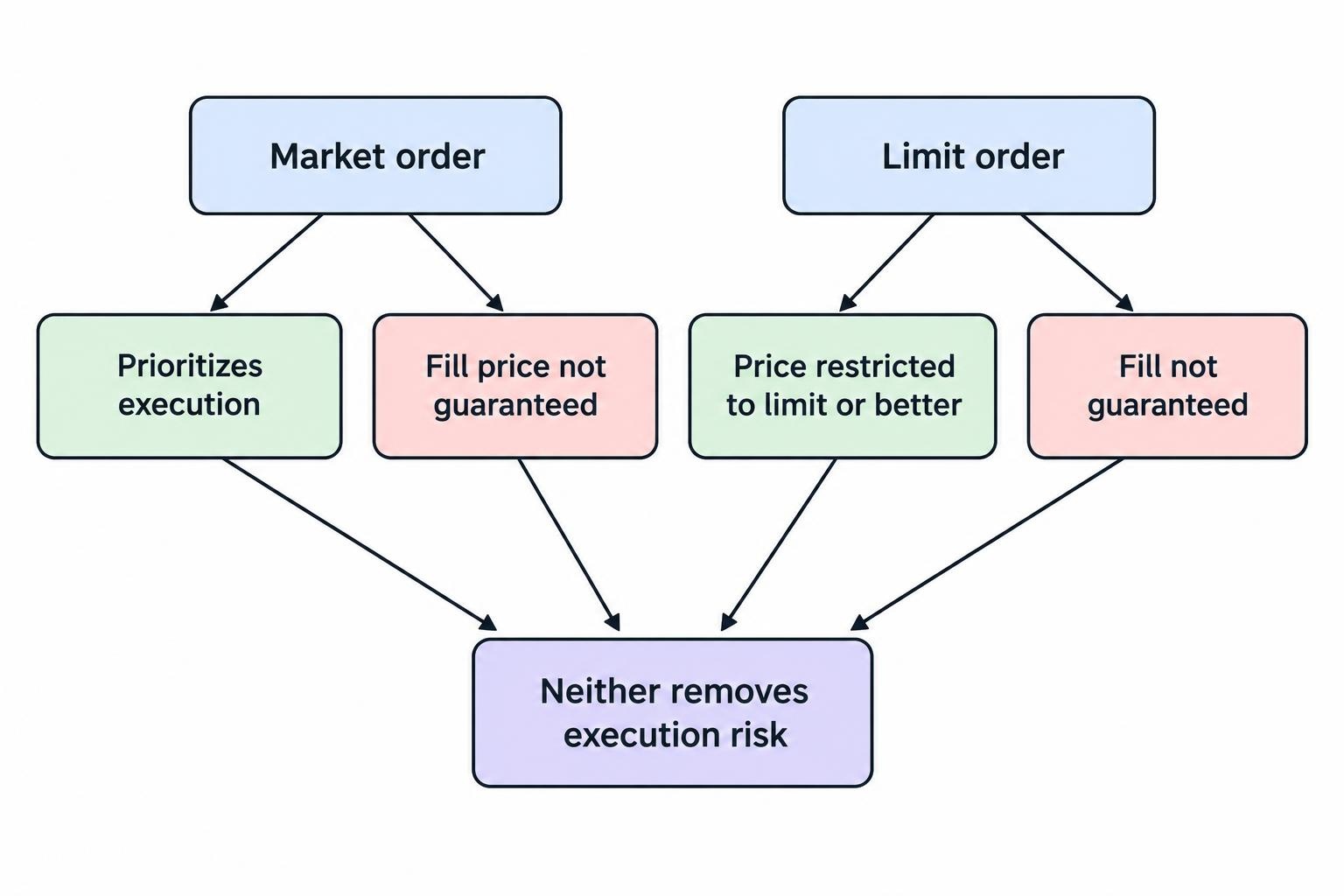
For stock trading, market orders prioritise execution without guaranteeing the fill price. Limit orders restrict the acceptable price but may remain unfilled. The SEC’s definitions of market and limit orders establish that trade off. Neither order type removes execution risk.
| Instruction | Price or execution trade off | Planning question |
|---|---|---|
| Market order | No fixed execution price | How much adverse price movement would invalidate the entry? |
| Limit order | Execution only at the limit or better, with no fill assurance | Will you accept missing the trade rather than chasing it? |
Write down an entry ceiling for a purchase or an entry floor for a sale. If the opportunity has moved beyond it, let the trade go. Changing the limit repeatedly until something fills defeats the purpose of setting an acceptable price.
Also decide what to do with a partial position. For example, if an intended 100 unit order fills only 40 units, your next action should come from a prepared rule rather than an attempt to force the original size.
A Stop Price Is Not a Guaranteed Exit Price
For stocks, a conventional stop becomes a market order after triggering, so its execution price can differ from the stop price. A stop limit order adds a price restriction but can leave the position open if execution is unavailable within that restriction. The SEC’s Trading Basics investor bulletin details both risks.
Check how those instructions work for your particular product and account. Do not transfer stock order assumptions directly to every forex, futures or cryptocurrency platform. Before using a linked target and stop, ask how the platform handles partial fills, manual closes and cancellation of the remaining exit instruction.
Where the Mobile Workflow Becomes Fragile
Set a boundary around how much information the strategy requires. If you need several charts, order book changes and working orders visible together, test whether switching between screens causes missed checks. Do not declare the workflow suitable simply because every feature exists somewhere in the app.
A phone may be adequate for executing one prepared setup while still being a poor choice for monitoring several positions. Reduce simultaneous tasks during testing. Keep one instrument and one position in focus until the process is repeatable.
Avoid building a scalping plan around checking an alert whenever convenient. Treat alerts as prompts to inspect conditions, not as standing permission to enter at whatever price is available. The original setup may no longer meet your entry rule by the time you review it.
Likewise, do not open a scalp when you expect to lose attention shortly afterwards. A meeting, train change or approaching low battery warning is a reason to postpone the trade, not shorten the analysis.
Test Execution Separately From Strategy Results
Use a demo account to rehearse the sequence of actions. Practise correcting quantity, cancelling an entry, checking a partial fill and finding the exit controls. Treat this as interface practice rather than proof of achievable live execution.
If you later choose to test with real money, use an amount you can afford to lose and a size small enough to keep the test controlled. A successful order sequence does not establish that the strategy has a profitable edge.
For each test, record the intended entry, actual fill, submitted quantity, filled quantity, exit price and explicit fees. Add the reason for any deviation: a changed quote, a missed level, an input error or an unexplained delay. Keep rejected and abandoned attempts in the record too.
Review the bad sessions rather than judging the setup by its smoothest few trades. Set a rejection rule in advance, such as stopping the test after an unexplained order status or repeated failures to complete the planned sequence. Technical uncertainty is a result worth recording.
Handle Uncertain Orders Without Repeating Them
If the screen stalls after submission, do not assume the order failed. Sending it again can create duplicate exposure. A cancellation request also needs confirmation; requesting cancellation does not establish that the original order was cancelled before execution. The SEC’s guidance on uncertain orders and cancellation confirmations addresses both problems.
Prepare an alternative access method before the session and establish how the broker wants uncertain instructions handled. Keep its dealing or support contact details accessible outside the app. Do not assume that switching devices or networks cancels anything already submitted.
Once access returns, reconcile the position and order records before making another trading decision. Check filled quantity, remaining entry orders and protective exits separately. The task is to establish the account’s actual state, not reconstruct it from memory.
Use the dedicated procedure for an app disconnection with open positions to prepare that response. A backup method is useful only if you know what it can and cannot do.
Set Conditions That End the Session
Choose both a financial stopping point and an operational stopping point. A losing trade within the plan is different from an order whose status you cannot establish. The second problem warrants stopping new entries even if the account has not reached its loss limit.
Build those boundaries into your daily loss limit rules. Include fees when measuring the session result, and do not increase size to recover the cost of earlier trades. A cost problem does not become smaller because the next position is larger.
Scalping remains risky even with a well rehearsed interface. Fast markets, execution problems and system failures can prevent a quick exit, while frequent trading costs can erode earnings. These risks form part of FINRA’s day trading risk disclosure.
Use mobile only where the strategy survives the workflow you can actually deliver. If the method depends on uninterrupted attention, constant repricing or information you cannot keep visible, change the setup or use a more suitable workstation. Completing fewer well controlled actions is a better operational goal than tapping faster.